
Claude for Legal Introduces Artifacts: Why Process Maturity Now Determines the Value of Legal AI
What lawyers can use it for
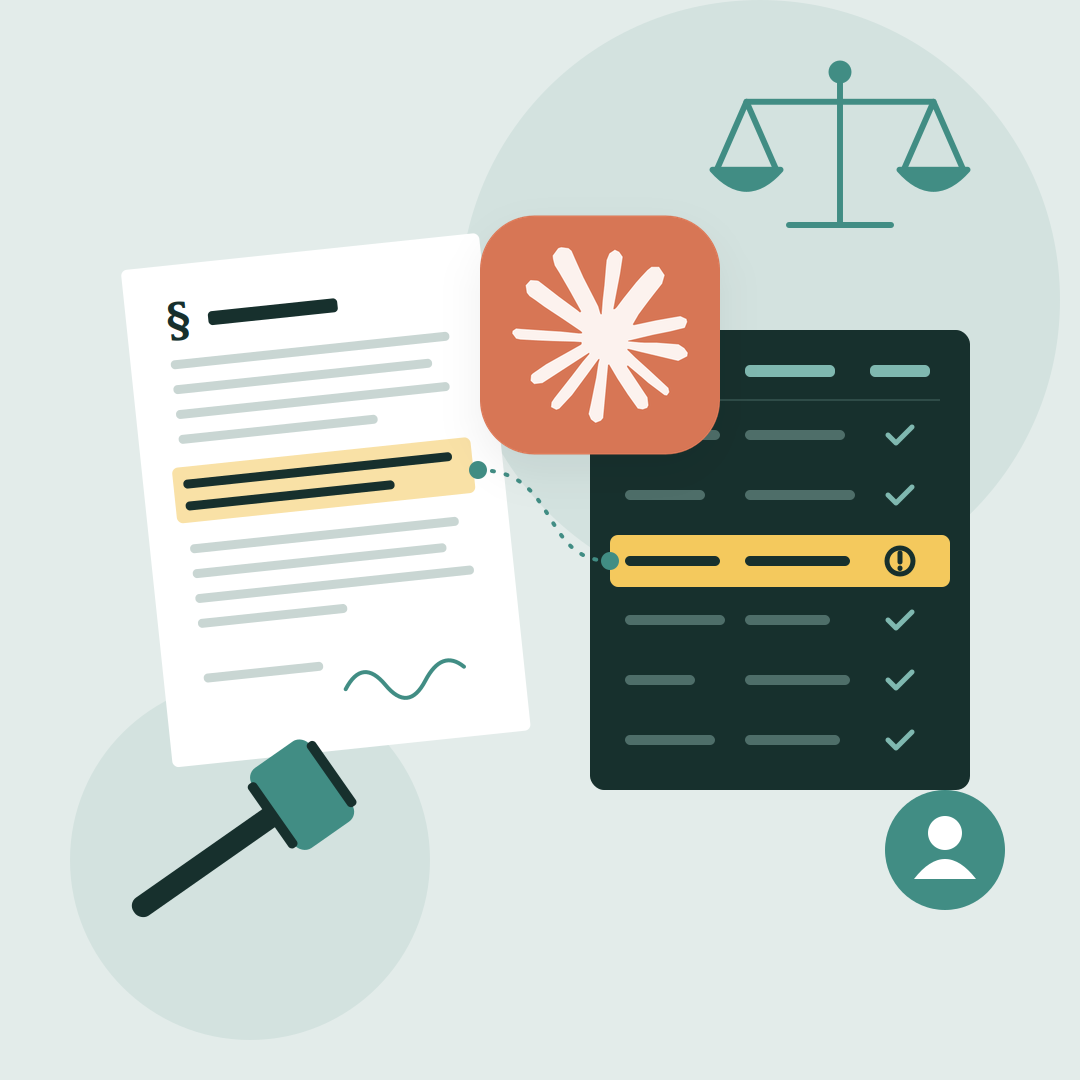
Anthropic launched a gallery of starting tools, some built by law firms and advisers. Each one can be adapted to the firm’s own playbook and templates.
- Contract portfolio review (due diligence, renegotiation) — answers the same questions across many contracts, quoting the clause and page for each answer. The lawyer verifies flagged clauses and decides on risk.
- Contractual obligations — extracts and tracks duties and deadlines from agreements. The lawyer confirms the list and assigns follow-up.
- Legal intake — sorts incoming requests from the business and routes them to the right lawyer. The lawyer sets priorities and handles the substance.
- Regulatory monitoring — flags new developments relevant to the client or company. The lawyer assesses impact and assigns actions to business owners.
- Jurisdiction surveys — compares rules on one question across several countries. The lawyer checks the analysis against local law.
- Citation checks — checks citations in a draft against their sources. The lawyer signs off the final text.
- Responses to subpoenas and authority requests — prepares a first draft from the team’s precedents and standard objections. The lawyer edits and approves the response.
In-house teams can go further. Anthropic’s own legal department uses Artifacts for contract redlining against its playbook, privacy impact assessments and patent processes. It also shares guidance with business colleagues as an interactive decision tree instead of a memo.
What does not change
The lawyer remains responsible for the result. Artifacts do the first pass and show where each answer comes from, so the review is faster — but it is still a review. Professional secrecy, GDPR and the EU AI Act apply as before. Access to each tool follows the firm’s existing permissions, including ethical walls between teams.
Before you start
An Artifact reflects a workflow, so it is only as good as the process behind it. We recommend:
- Choose one repeatable task from the table above, ideally one with high volume.
- Put your playbook in writing — standard positions, fallbacks and escalation rules.
- Define the review step — who checks the output and how sources are verified.
- Decide what client data may be used and how access is set up.
- Run a 4–6 week pilot and measure turnaround time and rework.
Clients will notice. Anthropic’s in-house lawyers have said they expect outside counsel to deliver guidance in this interactive form, not only as static documents.
Where to start
Firms that know their processes will get value from this within weeks. AgiLawyer helps legal teams map their workflows, run focused AI pilots and build the AI fluency that makes adoption stick. Get in touch.
Sources
- Anthropic moves further up the legal tech stack with launch of Claude for Legal Artifacts — Legal IT Insider, 28 October 2026
- Anthropic adds ready-made legal tools to Claude, with sources for lawyer review — Superpower Daily
- Anthropic unveils additional Claude tools for lawyers — Reuters, 28 October 2026

%20copy.jpeg)